
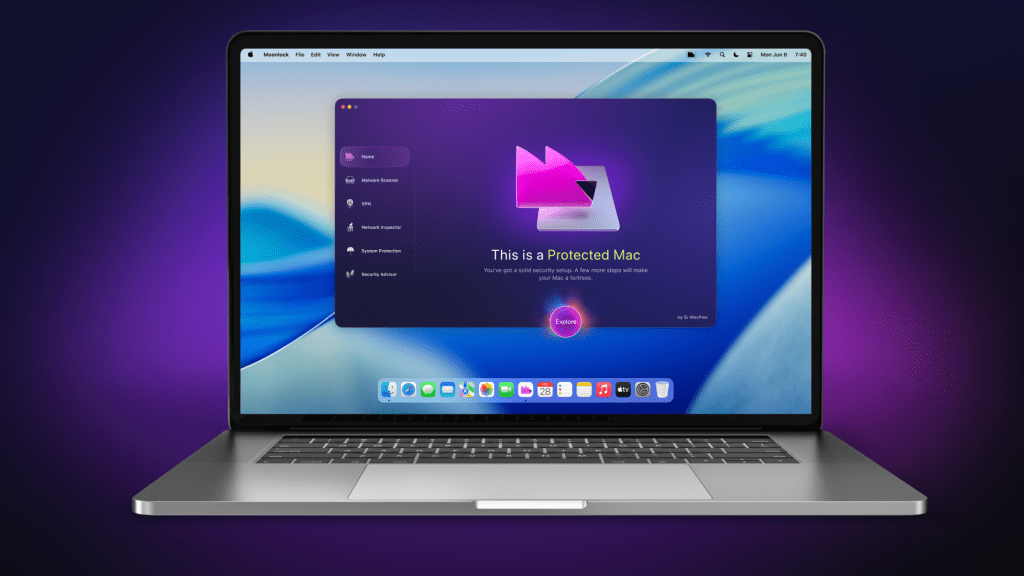
For years, it has been generally accepted that Macs are far more secure than PCs when it comes to malware and virus attacks. So much so that it’s common for Apple users to have no cyber protection running on their computers other than the one already integrated into macOS. However, the vulnerability seems to have caught the attention of hackers, as malware attacks (especially those using the new AI software) have begun to appear, targeting Macs and their users. So how can you make sure you stay safe from new threats?
Are the protections in macOS strong enough to protect my data?
Apple includes tools like Gatekeeper and XProtect that look for potential threats and prevent them from entering your system. These may be effective, but they are not reliable. If you only use modern Macs and download everything from the App Store, then they’re probably fine. But if you download things from websites, handle sensitive data, or use an older Intel Mac, then a dedicated antivirus solution is recommended. In fact, with the cybersecurity landscape changing so rapidly now and our lives becoming increasingly digital, all Mac users would benefit from an extra layer of security.
Cybersecurity that’s simple and works with your Mac
One of the things that can put people off using security software is the intimidating language and feeling like you have to understand everything to make it work. There is also a concern that it will clash with the built-in macOS tools and cause a headache for the user.
MacPaw
That’s why the developers at MacPaw (famous for the excellent CleanMyMac optimization software) developed Moonlock. Designed from the ground up to work only with Macs, this antivirus looks for macOS-specific malware and integrates seamlessly with Apple’s own security software. Best of all, the interface is elegantly laid out and simplifies the whole process, making it easy to understand what it does and how to use its wide range of capabilities.
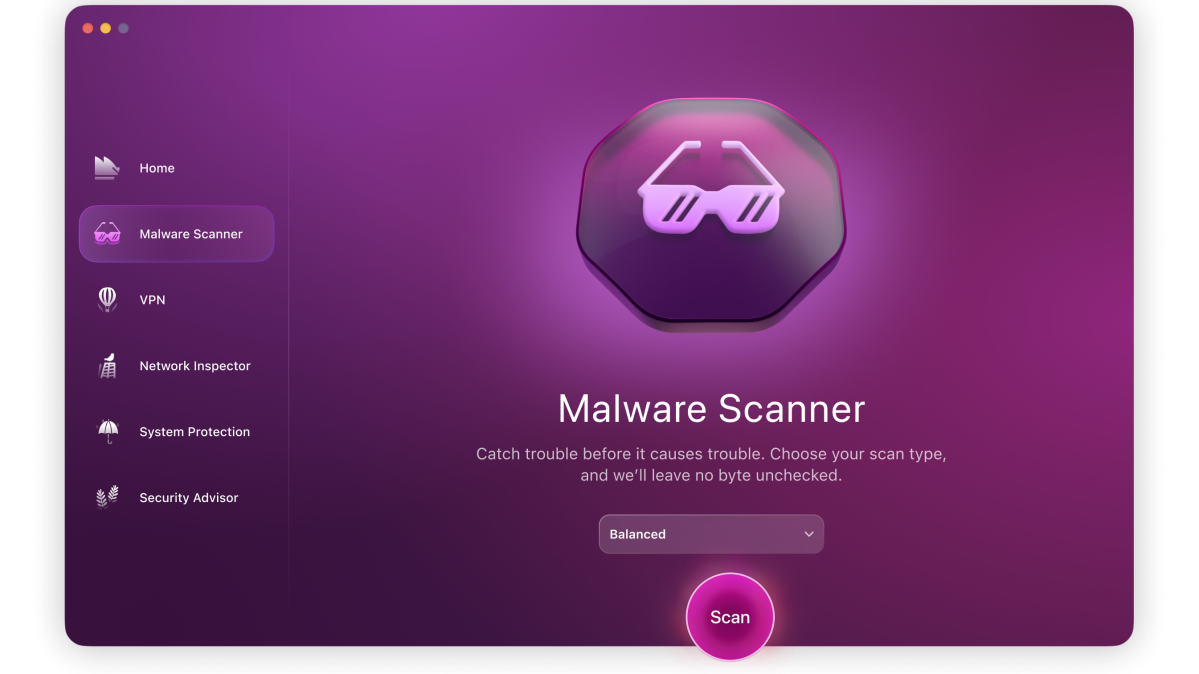
For example, if you notice that your Mac is slowing down or behaving differently, just open Moonlock and click the Scan button to look for potential malware. There are also real-time protection features that automatically scan files every time you interact with them. This can prevent phishing emails that try to get you to install malware, something that is a growing threat thanks to AI software that can create convincing copies of official documents and messages to fool unsuspecting victims.
MacPaw
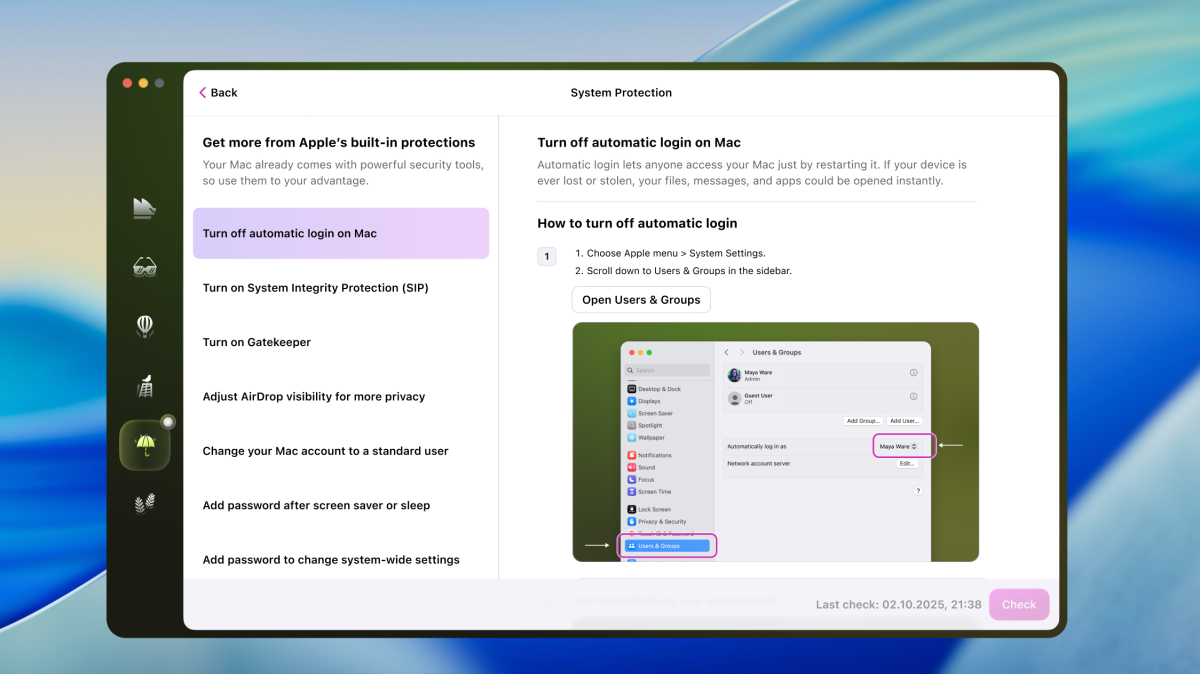
Moonlock has plenty of easy-to-understand tutorials and guides to help you set up your system to be as secure as possible. These include step-by-step instructions for Apple’s built-in cybersecurity tools, so no stone is left unturned.
MacPaw
It also includes a virtual private network (VPN) that encrypts your data while you’re online. This helps prevent any data breaches that may occur if websites or networks are hijacked or spoofed by hackers. Moonlock also employs a network inspector to ensure that sites are not sending your data to servers in other countries that could put you at risk. When it detects that they are trying to do this, it immediately shuts down access to those apps or websites to protect you. You don’t have to do anything, Moonlock is constantly working to keep you safe.
Free trial and affordable plans to protect your data and bank balance
To see how Moonlock works, as well as try out the various security tips it offers, you can sign up for a 7-day free trial.
A wide variety of subscription models are then available. These include $4.50/£3.25 per month for 1 Mac, $7/£5.25 for 2 Macs, or $14/£10.25 to protect up to 5 Macs.
Cyber security must always be powerful and comprehensive, but that does not mean that users should become experts in protecting their data. Moonlock makes this possible and takes care of all the technical aspects, so you can be sure that your system is kept safe.