
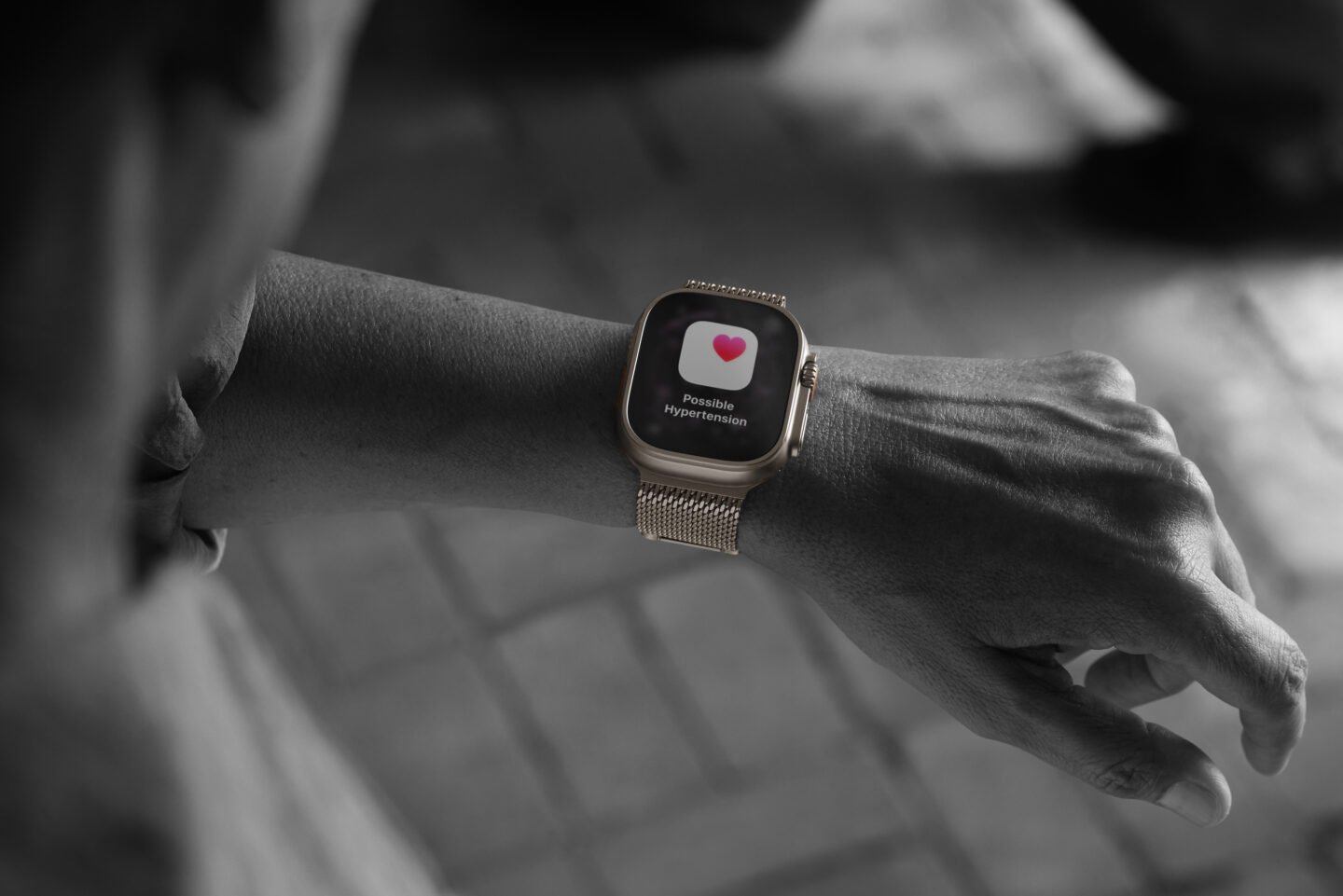
For the millions of Apple Watch owners, Hypertension Notifications, available on the latest models, is a big leap in wearable health monitoring. It promises to alert users to potential high blood pressure before it leads to serious health problems. But how reliable are the notifications and what should Apple users realistically expect?
I have had measurably high blood pressure for years. I wear an Apple Watch 10, one of the models with a hypertension alert. And yet I’ve never seen anyone up close and personal. My meds seem to be working!
How reliable are Apple Watch Hypertension Notifications?
Apple unveiled the Hypertension Notifications Feature at its Awe Dropping event in September 2025. Enabling Hypertension Notifications costs nothing for Apple Watch owners with compatible devices and can potentially lead to earlier detection of high blood pressure. Just understand what it can and cannot do and always verify the warnings by taking the correct blood pressure.
How Apple Watch measures hypertension
Unlike traditional blood pressure monitors that use inflatable cuffs to measure the force of blood against artery walls, the Apple Watch has taken a completely different approach. The device uses its optical heart rate sensor to analyze patterns of how blood vessels respond over time, which typically requires about 30 days of continuous data collection to establish meaningful trends.
This technology does not measure blood pressure directly. Instead, sophisticated algorithms analyze the subtle changes in vascular behavior detected by the watch’s sensors. When these patterns consistently indicate values above thresholds set by the American Heart Association, the watch will send an alert alerting you to potential hypertension.
So you won’t get actual blood pressure readings like “140/90 mmHg”. You will only be notified of detected samples that you may want to discuss with your doctor.
Which Apple Watch models support hypertension alerts
Photo: Apple
The Hypertension Notification feature requires specific hardware, specifically an S9 chip or later. This means that the feature is available on:
In addition to the watch itself, you’ll need the latest watchOS installed on your Apple Watch and an iPhone 11 or later with the latest version of iOS. This feature will not work on older Apple Watch models, even if they are updated to the latest software, due to hardware limitations.
Understanding reliability: High specificity, low sensitivity
Clinical testing has revealed important insights into the effectiveness of this feature. High blood pressure alerts have a high specificity – over 92% in studies, meaning that when your Apple Watch alerts you to potential high blood pressure, you probably actually have high blood pressure. False positives do not occur very often.
However, this feature shows significantly lower sensitivity, ranging from approximately 41% to 54%. In practice, this means that the Apple Watch may not detect hypertension in more than half of the people who actually have it.
And the technology works better at identifying more severe stage 2 hypertension than milder increases in blood pressure. That’s probably why I’m not bothered by the notifications, since my prescription meds—not to mention a perfectly healthy diet and constant exercise, natch—keep them within reasonable range.
What these numbers mean for users
The combination of high specificity and low sensitivity positions the Apple Watch for hypertension as a conservative screening tool. If you receive a notification, you should take it seriously and proceed with a proper blood pressure measurement using an FDA-certified cuff (here’s one I bought on Amazon that works well, although I had to order a larger cuff for a more accurate measurement).
However, the absence of an alert does not guarantee that your blood pressure is normal. Think of it as an early warning system that errs on the side of caution. It is designed to catch potential problems while minimizing false alarms. However, it is not comprehensive enough to rule out hypertension if you do not receive an alert.
How reliable are Apple Watch hypertension alerts: Important limitations to consider
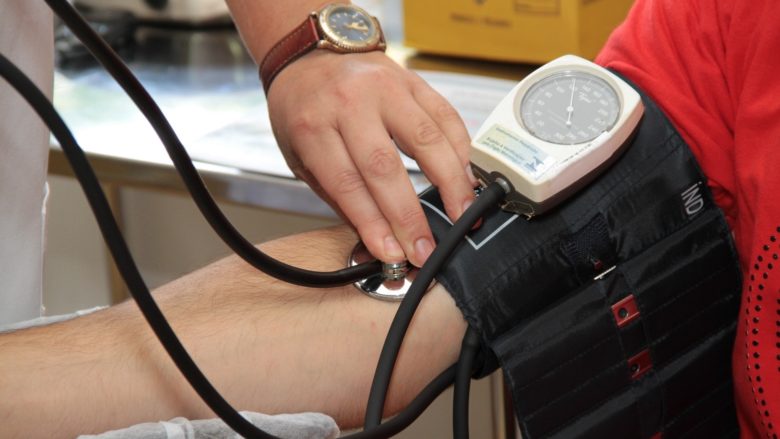
Photo: Pexels
Apple specifically states that this feature is not intended to diagnose, treat, or manage hypertension. It is a notification system, not a medical blood pressure monitoring device. Health experts strongly recommend confirming any warning with a traditional blood pressure measurement.
The 30-day data requirement also means it’s not useful for immediate or short-term monitoring. If you’re tracking blood pressure changes due to new medications or lifestyle interventions, you’ll still need a conventional monitoring device.
Additionally, the watch measures patterns of vascular behavior rather than actual blood pressure—which brings inherent limitations. Factors such as wrist position, movement, skin tone and individual physiology can all potentially affect optical sensor readings.
How to use the function effectively
If you receive a hypertension alert on your Apple Watch, do the following:
- Don’t panic, but don’t ignore it either. Buy or borrow an FDA-approved home blood pressure monitor and take the readings according to best practices—usually sitting and relaxed, with your feet on the floor and your arms supported at heart level.
- Record your blood pressure readings in the Health app, which creates a shared record for your healthcare provider. Schedule an appointment with your doctor to discuss the alert and your follow-up readings.
Even without warning, anyone with risk factors for hypertension should have their blood pressure checked regularly by traditional methods. The Apple Watch function complements, but does not replace, a standard medical examination.

David Snowan expert on Apple hardware and software, writes on a variety of technology and cultural topics for Cult of Mac. They include Apple news, tech buying guides, and features on setting up your computer and Apple TV shows and movies.
With 30 years of experience in technology and other topics, he has written and edited numerous print and online publications, including CMP media, TechTV.com, OVERHANG, Cable news, Red herring magazine, Law.com, National Law Journal and Law Technology News magazine. Among other things, he served as executive editor of the Law.com network of websites and editorial director of technology for ALM Media.
Snow graduated from Syracuse University with a bachelor’s degree in magazine journalism and psychology. While there he worked as a reporter for Daily orange newspaper and associate editor Same time magazine.
Founder of the blog On the water linecan be reached on X (formerly Twitter) via @atthewaterline and on Mastodon via @dsnow.