
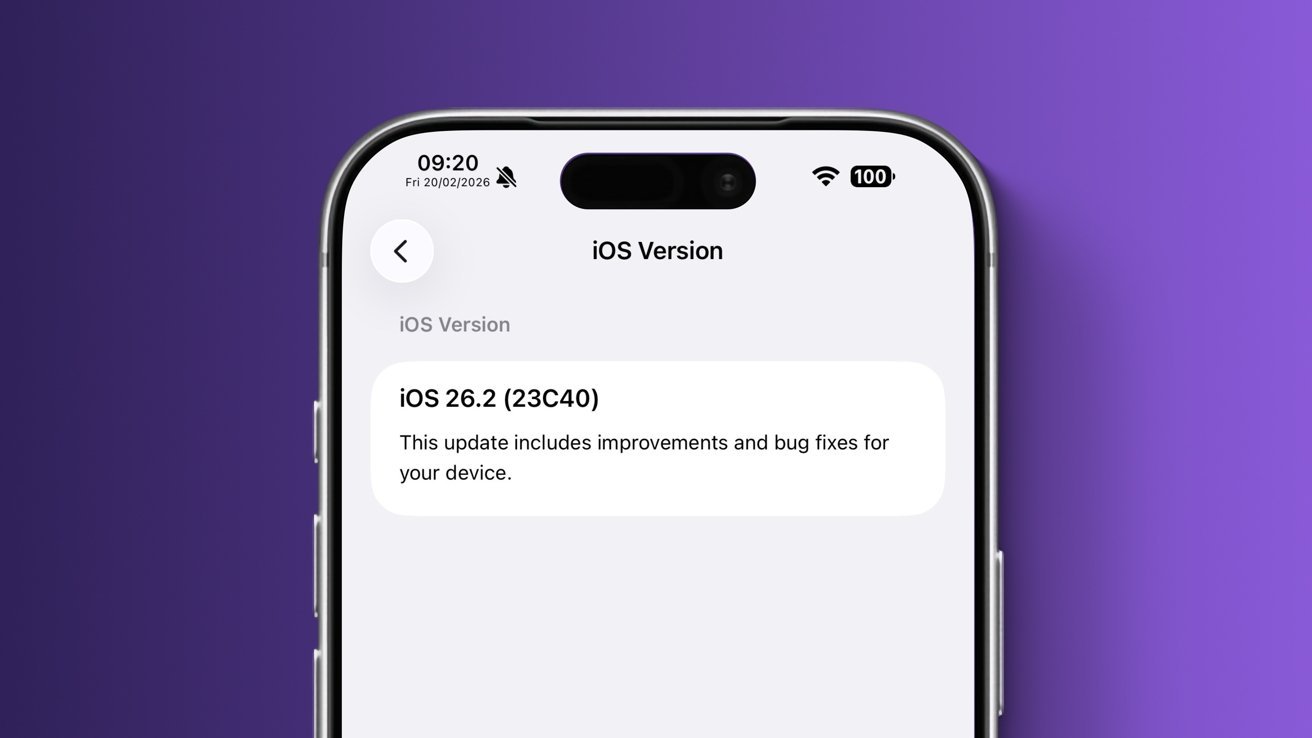
VendorUI variant of iOS 26.2 running on DVT-stage iPhone 16 Pro Max. Screenshot Credit: The Apple wiki.
While iOS features are often leaked before their official launch, information about them rarely comes from hardware assembly plants – here’s why.
Apple is no stranger to software leaks. Practically every year, before the iPhone maker releases new versions of its operating systems, we see reports claiming to have details of all the unannounced features and design changes.
While some features will change midway through development and other rumors were never true to begin with, many leaked features will eventually make it to the iOS version. This begs the question, where does the accurate information come from?
It often comes from prototypes or development devices, sometimes accessed through dubious means. Of course, people who work on Apple’s software engineering efforts also sometimes release confidential information.
However, iOS features rarely escape iPhone assembly plants, despite having limited access to Apple’s pre-release UI elements. In theory, an assembly plant worker could get to the unreleased Camera app or Settings menu, but that rarely happens—and now we know why.
Just as Apple’s anti-leak report itself was leaked, AppleInsider has now received details of the iPhone maker’s security protocols for assembly plants with access to the user interface before release. The information comes from people familiar with the matter and offers a rare glimpse into Apple’s efforts to prevent the leak.
Where iOS prebuilds are used and how they are protected
For its assembly partners, Apple maintains strict security requirements that cover everything from unreleased hardware to so-called black projects to how iPhone boxes and printed materials are to be handled.
Apple developers are required to maintain special security measures for iOS variants with pre-production UI elements.
There are also explicit instructions on how and where to secure pre-operating systems.
Specifically, devices with unreleased versions of the user interface are intended to be kept in specialized rooms with only one entrance or door that is equipped with a badge reader. There is also a security guard who checks the badges of Apple employees entering the room as an added security measure.
As for other physical barriers, a screen is used so that no unauthorized personnel can see the pre-release user interface. As for who can enter the so-called UI Room, only select Apple employees and third-party employees have access to that area.
A designated project manager is able to bring other Apple employees into the room, giving those employees a login. Authorized Apple employees can bring a laptop and USB flash drive into the room if needed.
Third-party assembly personnel must adhere to stricter requirements. Everyone is required to sign a non-disclosure agreement and none of them are allowed to bring mobile phones, cameras or recording devices of any kind. They are also physically scanned when entering and leaving the area, so nothing is smuggled in or out.
CCTV cameras with a resolution sufficient to capture facial features are used in the user interface area. All workstations, storage shelves and parts storage containers are covered by CCTV, with the record storage and associated server located in a separate room with limited access.
Security practices for UI-related areas indicate that Apple trusts its own employees more than those of third-party build engines. While the rationale for this policy is not directly specified, assembly plant workers may be more likely to try to smuggle things into or out of the area.
Inside, security measures are just as tight.
What’s inside the so-called UI rooms
Areas containing pre-release user interface elements, like most assembly partner offices related to Apple product development, contain workspaces with a Mac mini as the main computer. Even these are strictly limited.
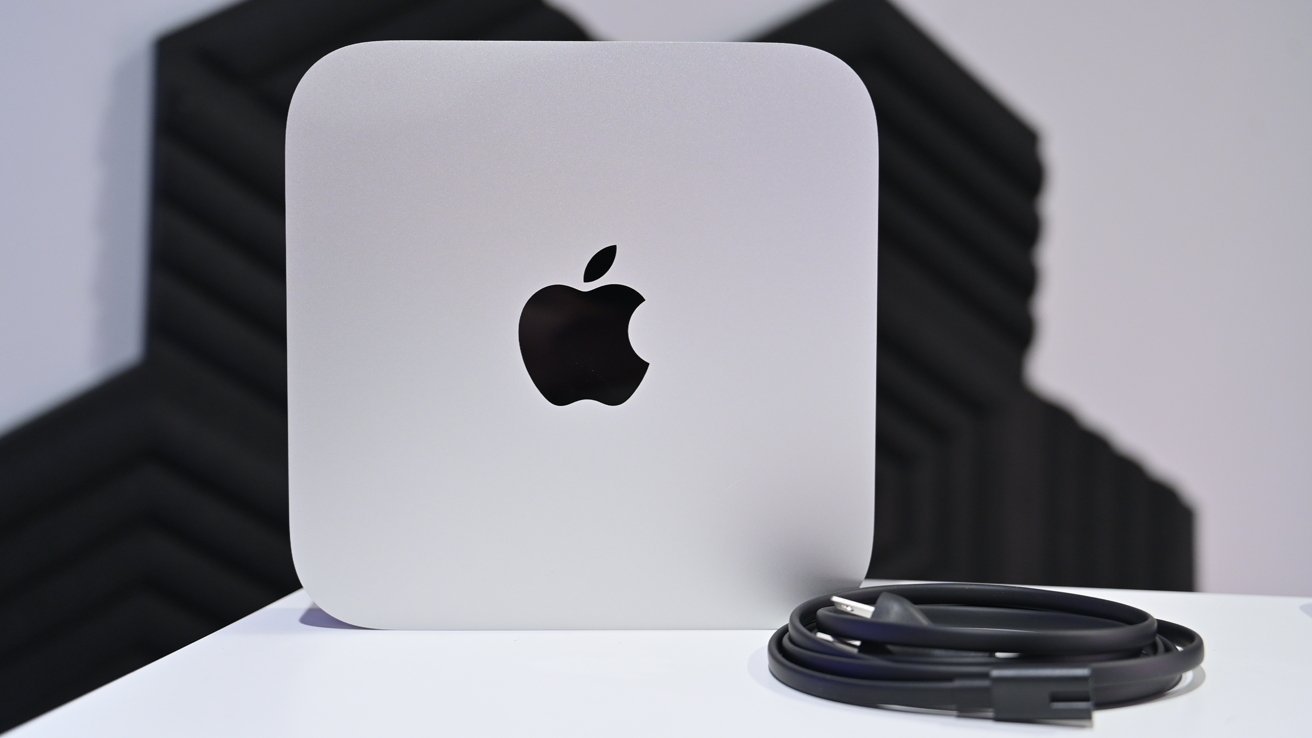
Apple’s supply chain partners typically rely on the Mac mini for development-related efforts.
More specifically, their email and Wi-Fi capabilities are disabled, and each Mac mini is USB locked to prevent tampering and unauthorized file copying. The user interface area network must be physically separated from other areas in the installation partner’s facility.
Devices with an unreleased Apple UI user interface are brought in and taken out only by employees of selected assembly partners who are authorized by the project manager. The date and time are always recorded, as well as the amount of equipment transported in or out.
Wi-Fi activity of devices with the user interface enabled is constantly monitored. We’re told that for testing purposes, pre-UI hardware can only access whitelisted sites like Apple, Google, and Google Maps.
Otherwise, Bluetooth and Wi-Fi must be disabled and camera lenses either sealed, removed, or otherwise covered to prevent image transmission. If the user interface device has a SIM card slot, it is covered by a serial security seal that proves tampering.
The devices themselves are intended for a single purpose, which is described through the label on each test unit. When not in use, UI devices are stored in locked containers.
Tamper proof stickers are also used on all approved test related equipment with a list of all serial numbers and corresponding equipment posted in the user interface area.
What iOS UI assemblies are used for in assembly devices
Apple’s assembly partners use different iOS variants, referred to internally as ReleaseTypes.
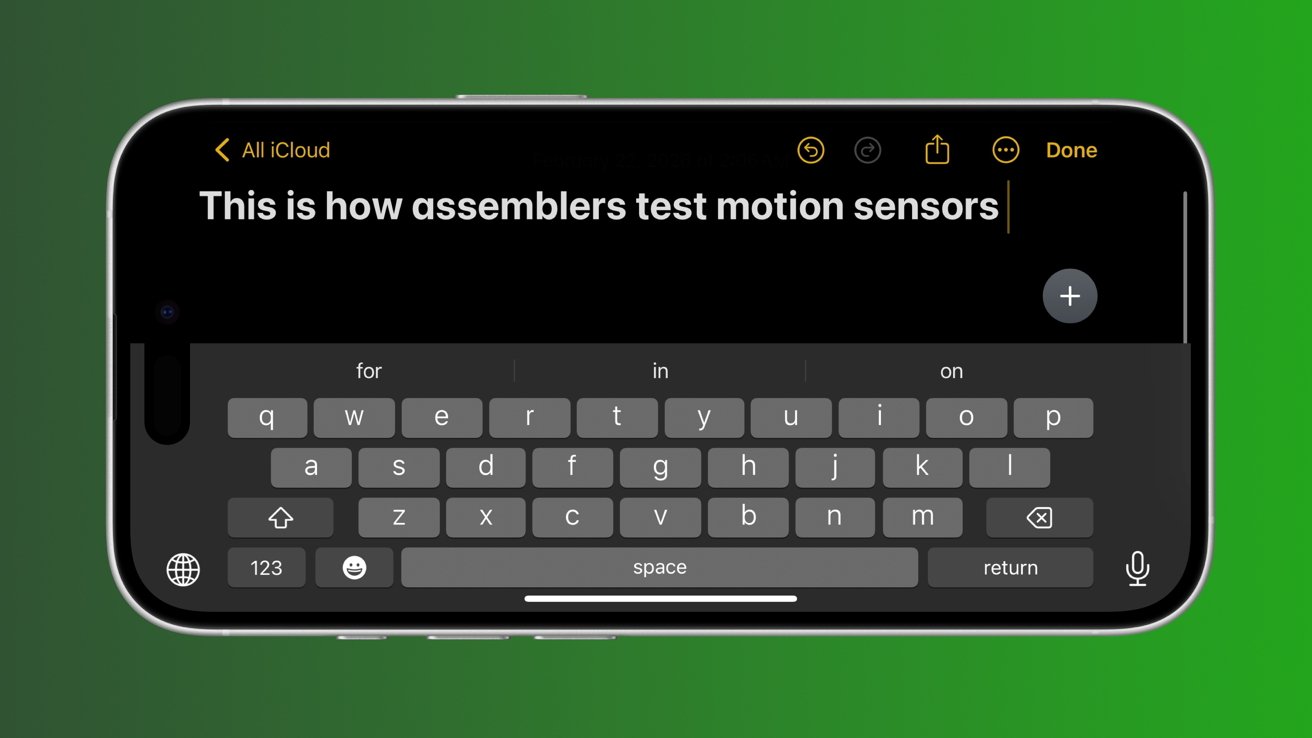
Motion sensors found in Apple products are tested using Notes and other tools.
Unlike the NonUI and LLDiags variants used for hardware diagnostics, access to the VendorUI ReleaseType is heavily restricted. Only selected authorized employees have access to VendorUI iOS versions.
The builds themselves are distributed with a checklist detailing available and missing features. Most system apps are usually present, including the Phone and Camera apps or the Safari browser.
However, selected applications containing sensitive UI elements or applications not directly required for testing are removed. While available apps vary by UI build, Apple has been known to remove apps like Apple Music, Calendar, Clock, Contacts, Calculator, Mail and more.
Occasionally, select applications are installed for internal use, including the Radar bug reporting tool, as well as ABT, ETL Proxy, iQT, and Terminator. The presence or absence of these apps depends on the tests to be performed, while standard iOS apps are almost always present.
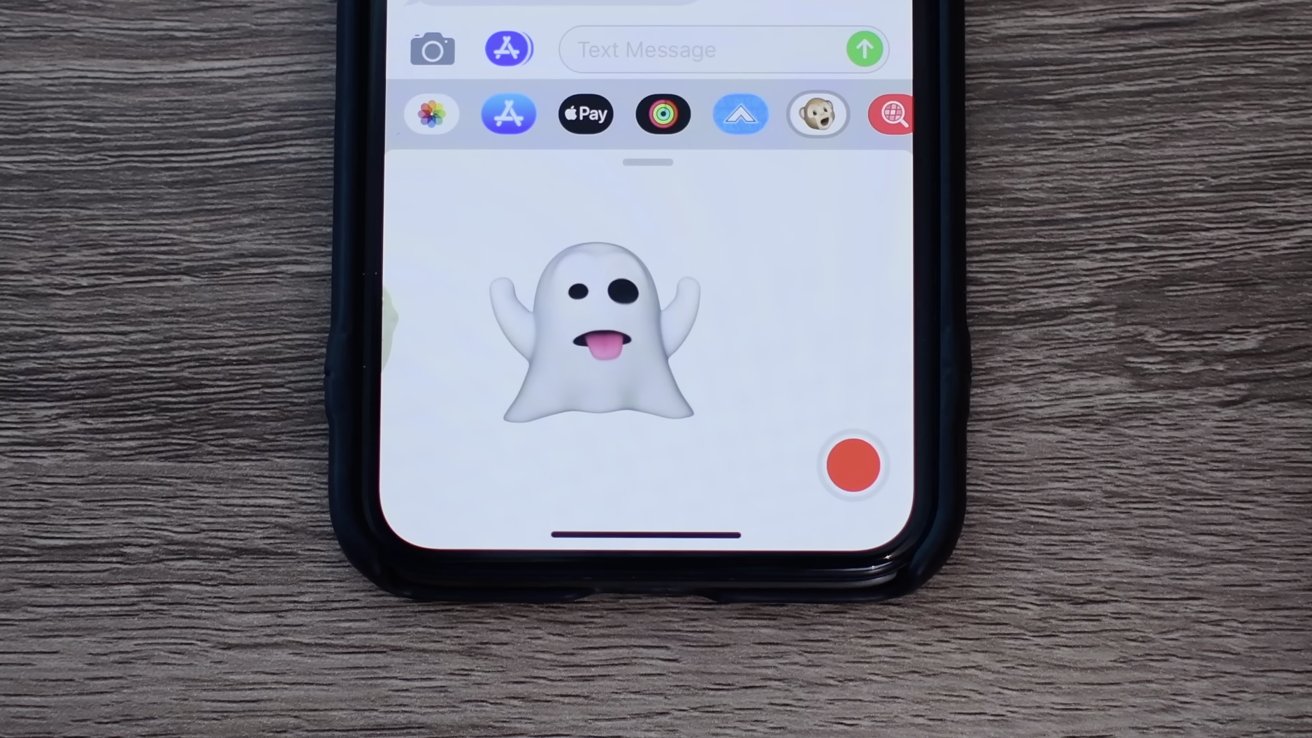
The Animoji feature is used to test the Face ID hardware.
Apple’s assembly partners use these specialized user interface assemblies for outbound quality control, among other things. As such, employees typically test all buttons, speakers, ports, and biometric features like Face ID or Touch ID, depending on the model.
In addition to verifying that Face ID unlocks an iPhone or iPad, the hardware is also being tested through the Animoji feature in Messages.
Motion sensors are controlled using the Compass, Measurements, and Notes apps. For example, in the Notes app, the employee conducting the test has to type something and then rotate the device so that the iOS keyboard switches to landscape mode as needed.
The ambient light sensor is tested by enabling auto-brightness in the Settings app and covering the sensor to see if the screen brightness level changes.
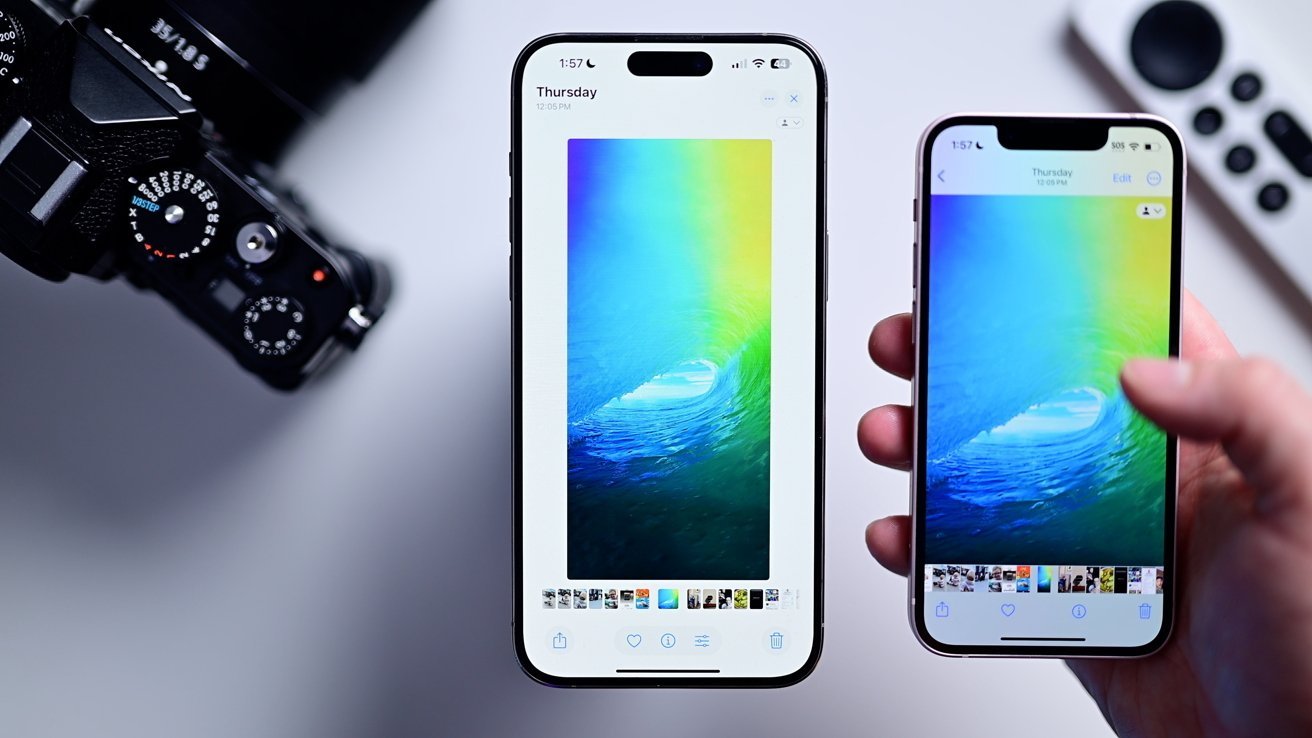
Employees with UI build access typically test the Photos app, among other things.
In the Photos app, authorized employees typically view multiple images and try to crop, edit, or use the markup tool. Video playback is tested in practically the same way.
If camera-related tests are performed, they are performed for each image sensor on the device. We’re told the test protocol includes shooting with and without flash, taking time-lapse photos, portrait mode shots, panoramas, and videos in normal and slow-motion modes.
For example, assembly partner employees may notice that a certain camera mode, application, or system function is broken. Sometimes apps and features crash after launch, don’t respond to user input, or are completely missing, and all such errors are logged and reported.
Are Apple’s security measures really effective?
Although the VendorUI ReleaseType has rarely been documented, it is still actively used. A version of VendorUI for iOS 26.2 was spotted and added to the Apple wiki in February 2026.
Devices with these specialized iOS variants occasionally reach collectors through prototypes and development devices. However, this usually only happens after testing is over, often when the relevant retail units are available for purchase.
In short, Apple’s strict security standards and leak prevention measures are effective. They make it difficult to build the user interface used in the build to reach the general public, at least while the software and hardware are in active development.