
Image AI: ChatGPT
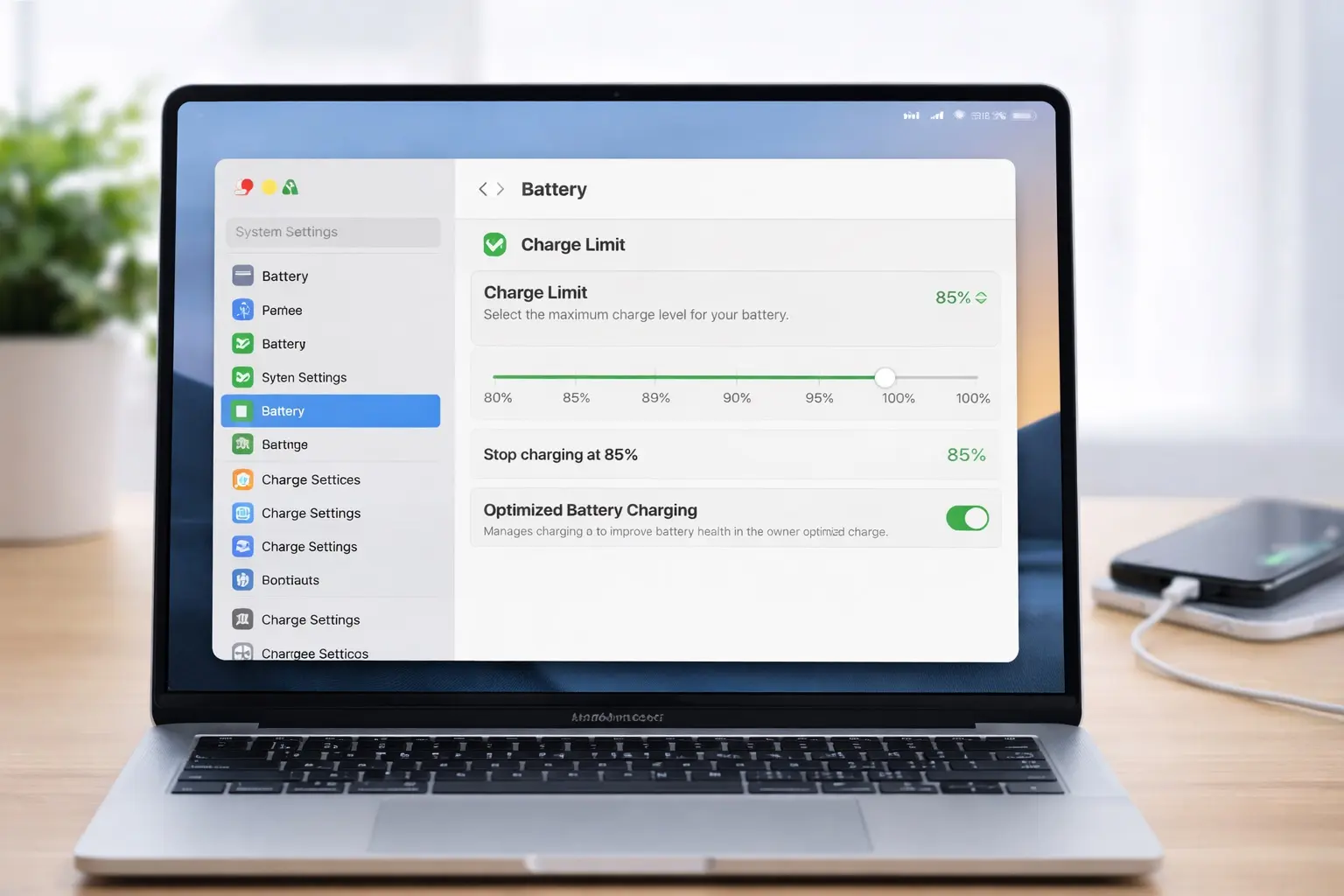
With macOS Tahoe 26.4, Apple is finally bringing a long-requested feature to Macs: battery limiter. This allows you to select the maximum battery charge level for your MacBook.
The iPhone has offered a similar battery health feature for several years, so its absence on the Mac is all the more noticeable.
More control over how your Mac charges
MacBooks already come with Optimized Battery Charging. It automatically decides when (or not) to charge your Mac battery to extend its life. As part of this, the Mac can delay charging to 100% based on your schedule and usage.
The new Charge Limit feature in macOS Tahoe 26.4 will build on this capability (via MacRumors ). It allows you to set your Mac’s maximum charge level anywhere between 80% and 100%, in 5% increments. So if you set it to 85%, your MacBook will no longer charge its cell.
By preventing your MacBook from charging to 100%, you theoretically extend its life and improve battery health.
Reduce the strain on your battery by not charging it to 100%
Lithium-ion batteries are subjected to more stress when they remain at or near 100% for extended periods of time. By limiting the charge to 80% or 85%, users who keep their MacBook primarily plugged in can reduce long-term battery wear.
Third-party apps like AlDente have gained popularity by offering exactly this functionality—something Apple is now building right into macOS.
If you install macOS Tahoe 26.4 beta on your MacBook, you will find a new Charge Limit option under System Settings > Batteryand then tap on and button next to Charging.
The addition of this feature also brings macOS closer to iOS when it comes to battery management.
Apple may not bring the Charge Limit feature to older Intel-based Macs, limiting it to Apple’s silicon models.

Rajesh has been writing about consumer technology for over a decade, with a strong focus on iPhones, Macs and the Apple ecosystem. He enjoys digging into Apple software updates, hardware changes, and discovering new Mac apps that make work faster and more enjoyable.
