
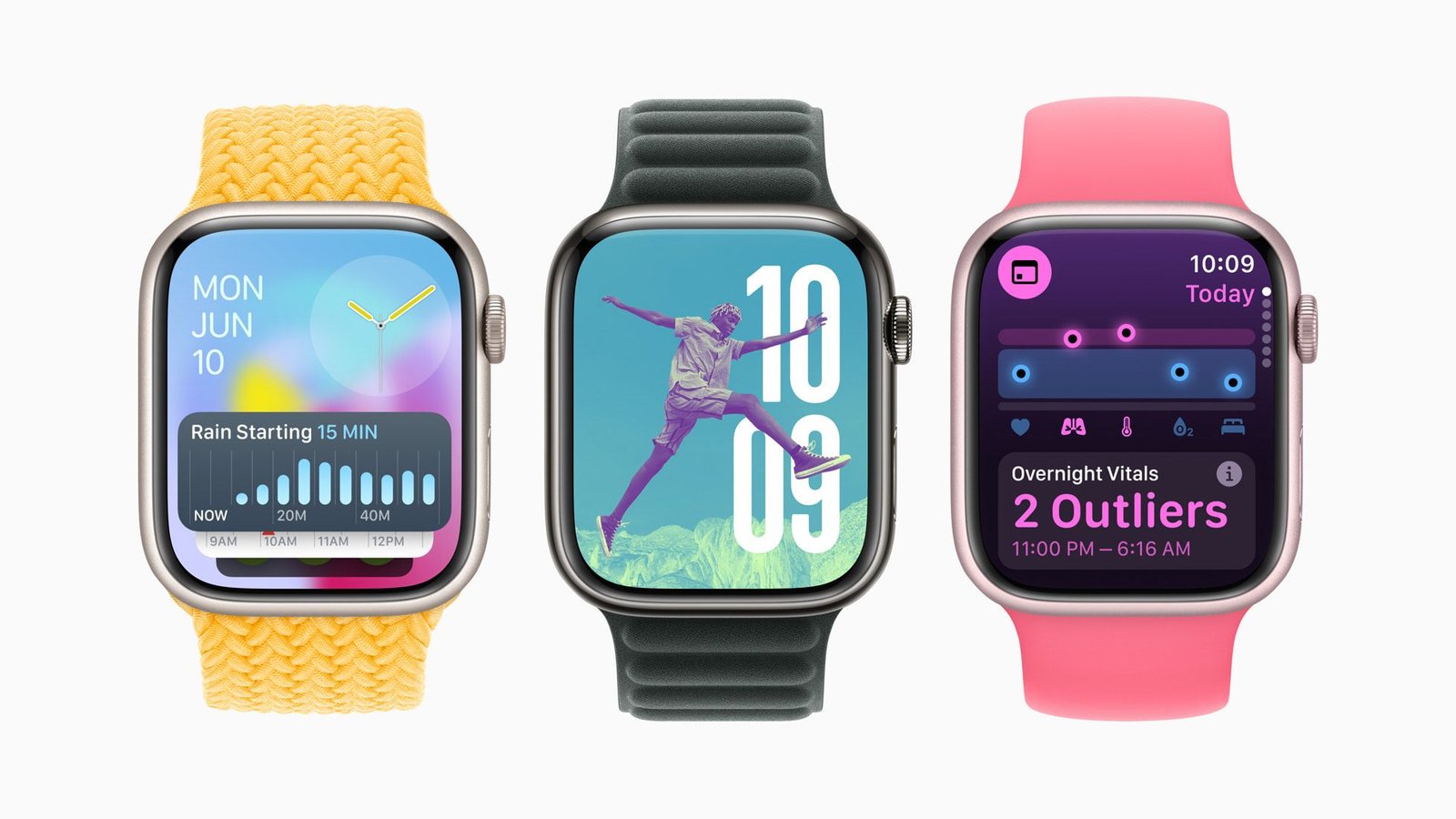
watchOS 11 is the latest software coming to all the top Apple Watch models later this year. Unveiled at WWDC 2024, WatchOS 11 includes several distinctive new apps that will elevate your wearable to a health-focused device. After months of beta versions of the new update, it’s finally available to all Apple Watch users with Series 6 or later.
There are also several new customization options and live activity on the Apple Watch for the first time. Despite the lack of Apple Intelligence, the new AI features coming to iPhone, iPad and Mac, watchOS 11 is a pretty decent update.
To update to watchOS 11, go to Apple Watch app on your iPhone. Go to General and then Software update. If watchOS 11 doesn’t appear immediately, select the option at the top of the screen to choose between watchOS 10 and watchOS 11. Note that updates may take a while to install while the update is so new, as many users will be trying to download it.
We recommend backing up all important content to iCloud. From watch faces to apps, it’s always a good idea to prepare your Apple Watch before updating the software.
Which Apple Watch models support watchOS 11?
As always with new software, Apple has stopped supporting some older models of wearable devices. Here are the Apple Watches that have been retired from watchOS 10:
- Apple Watch Series 4
- Apple Watch Series 5
- Apple Watch SE (1st generation)
Still not quite sure if you’ll be able to use watchOS 11 when it comes out later this year? Here are all the watches we know will work with the latest version of watchOS:
- Apple Watch SE (2nd generation)
- Apple Watch Series 6
- Apple Watch Series 7
- Apple Watch Series 8
- Apple Watch Series 9
- Apple Watch Ultra
- Apple Watch Ultra 2
Apple says on its website that not all of these watches will support all features because some don’t have certain sensors that are necessary, such as measuring blood oxygen. If you’re not sure, check out yet another Apple split.